Made for big hands and a dusty screen
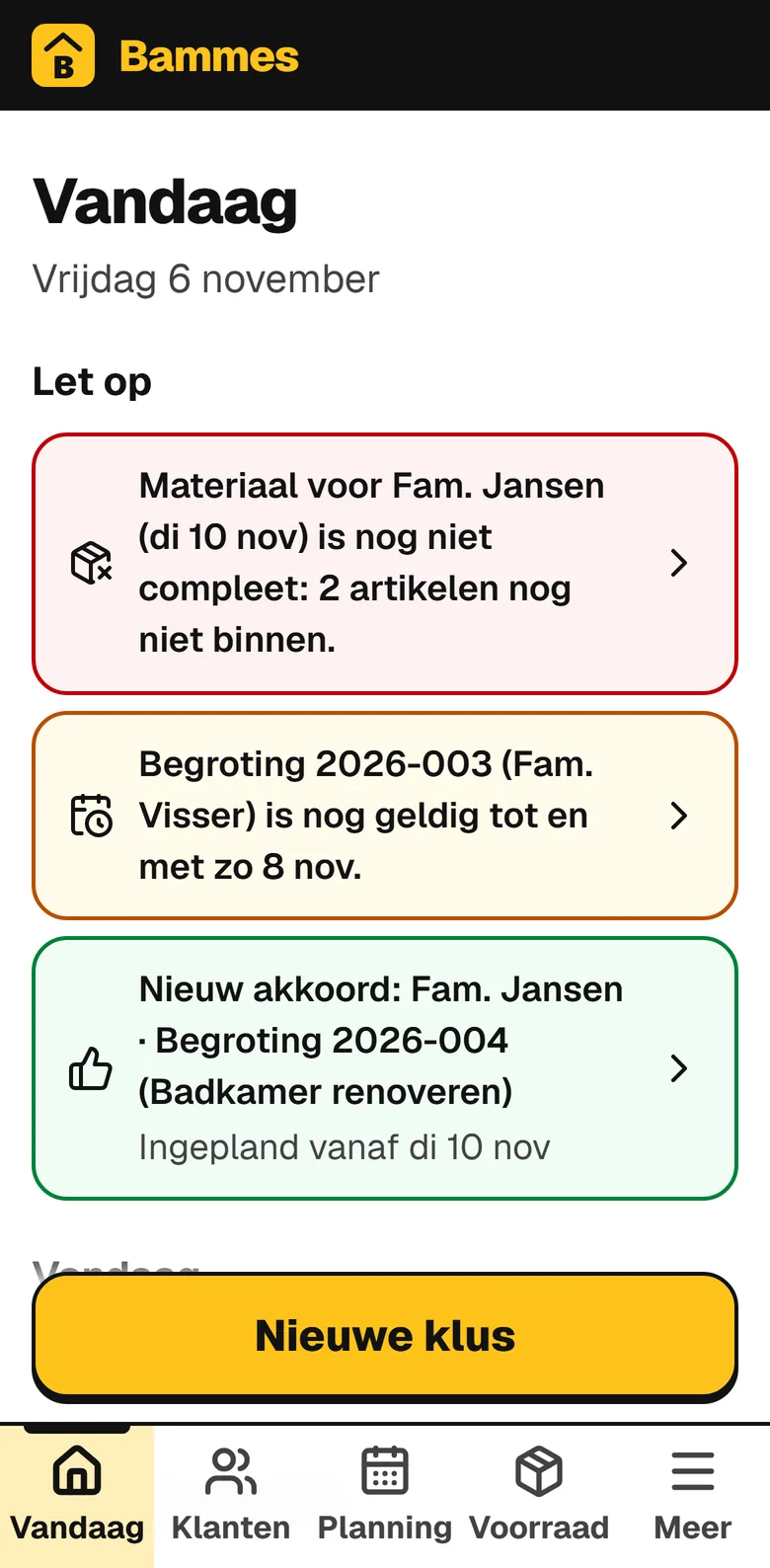
Buttons of at least 56 pixels, 18-pixel text, the main action always at the bottom within thumb reach. Confirmations slide up from the bottom, never in a browser pop-up.
 BlackOak.agency
// CASE · BAMMES
Quote. Order. Keep building.
App for the small contractor
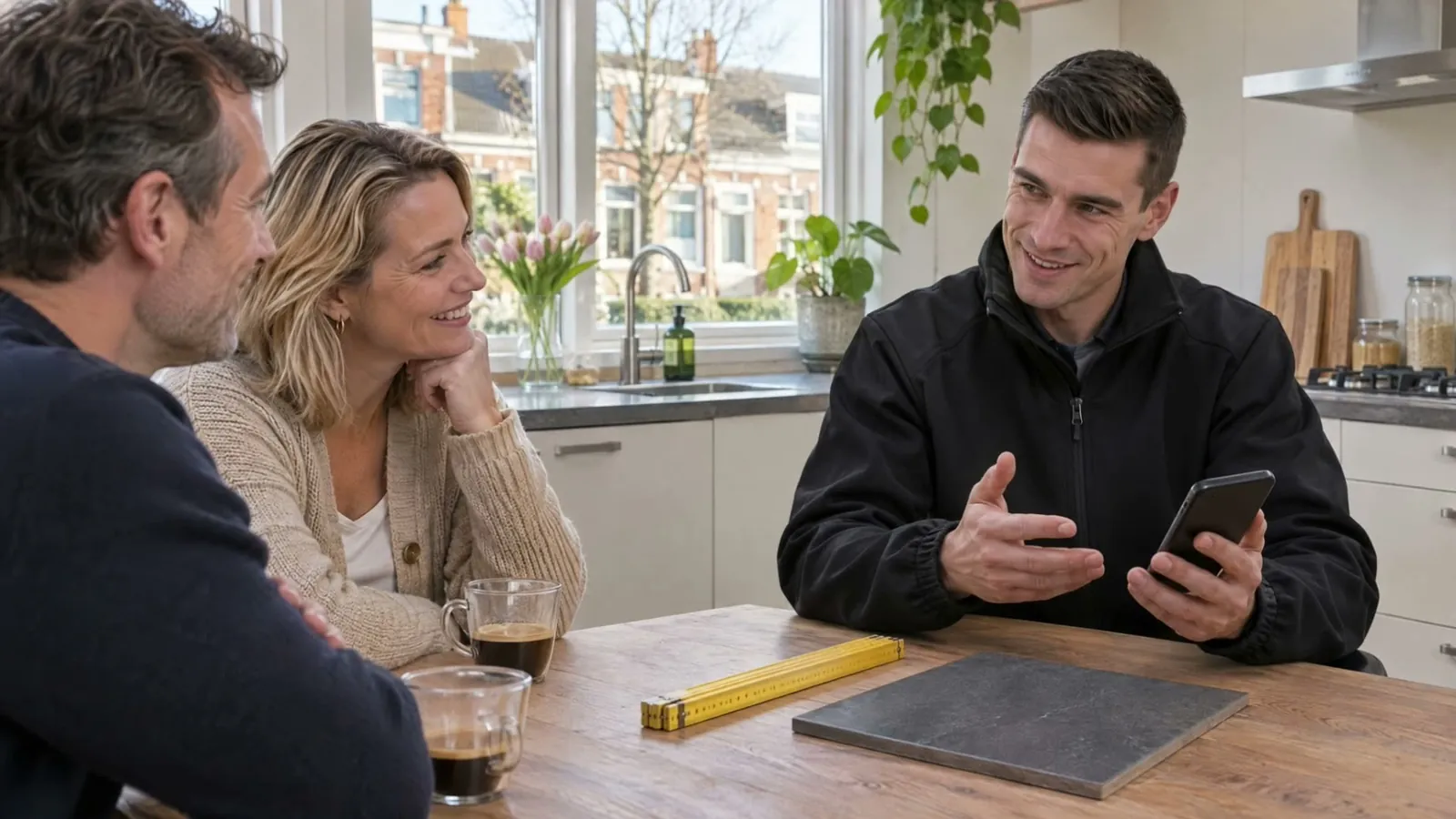
A contractor sits at the customer's kitchen table. Within ten minutes he wants to send a quote and know what to order and when the job fits. That is what we built Bammes for: first for one company of two or three people, then opened up to any tradesperson with a phone.
// THE ASK
What is in storage, what was agreed with customers, when he needs to be where: in a small contracting business all of that lives in the owner's head. With every new job he goes through it again. That works for a long time, until material is missing on the day of the job or two appointments land on the same morning.
So the ask was never an ERP package. The ask was: give overview to prevent things going wrong, without data entry costing more time than it saves. The key moment is at the customer's table, phone in hand. Later, at home on the laptop, he works it out further.
A few hard requirements were fixed from day one: making a quote must never take longer than on paper, the owner should not have to explain anything to his crew, and an employee never sees an amount anywhere.
// WHAT WE BUILT
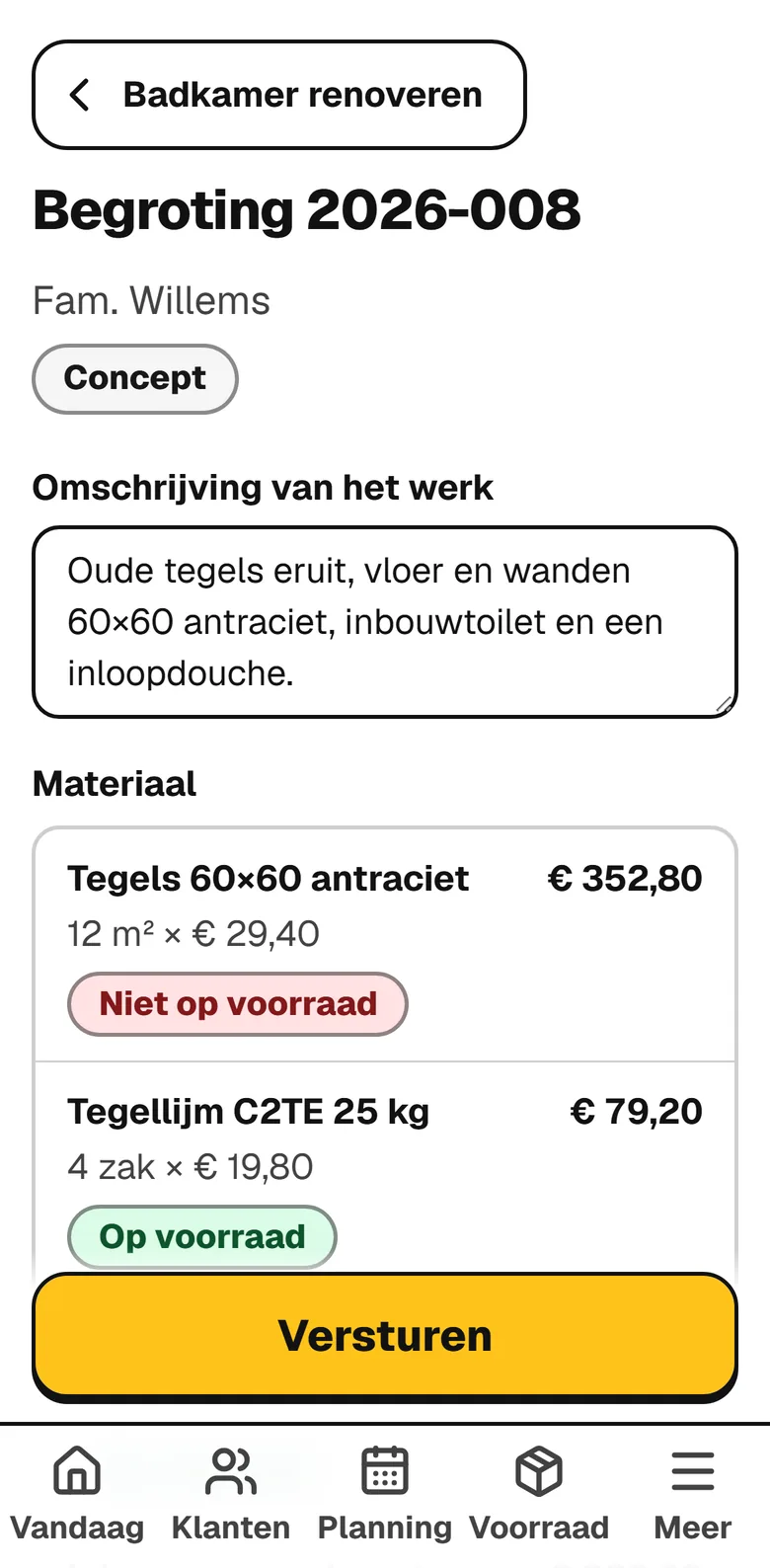
Material and hours in a few taps. The customer gets a link, signs, and the job is agreed.
The app calculates what needs ordering per job and reserves material. You place the order yourself, from a shared list.
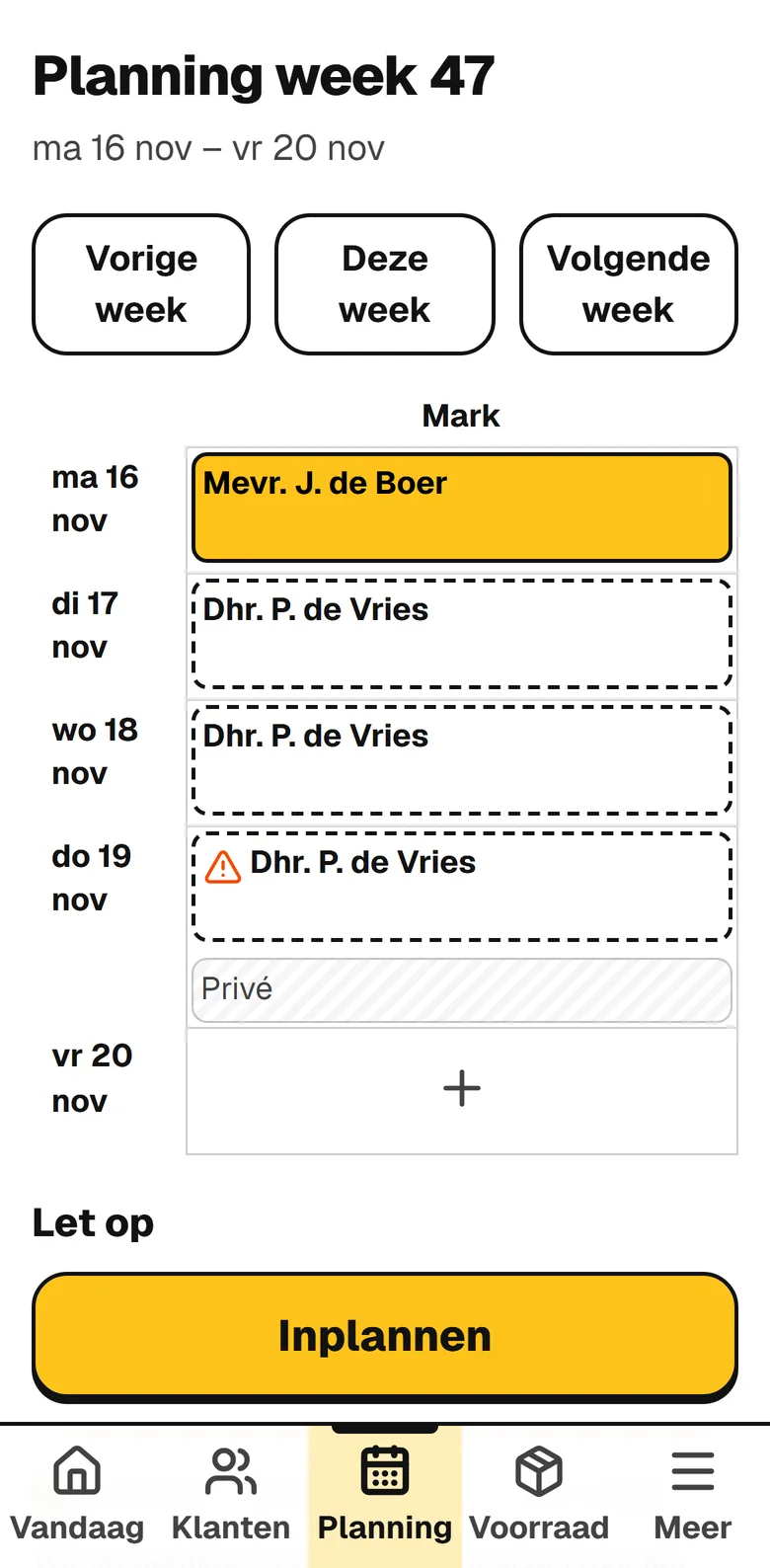
Jobs in blocks, tentative or final. Warns about double bookings and material that will not arrive in time. Syncs with Google and Apple Calendar.
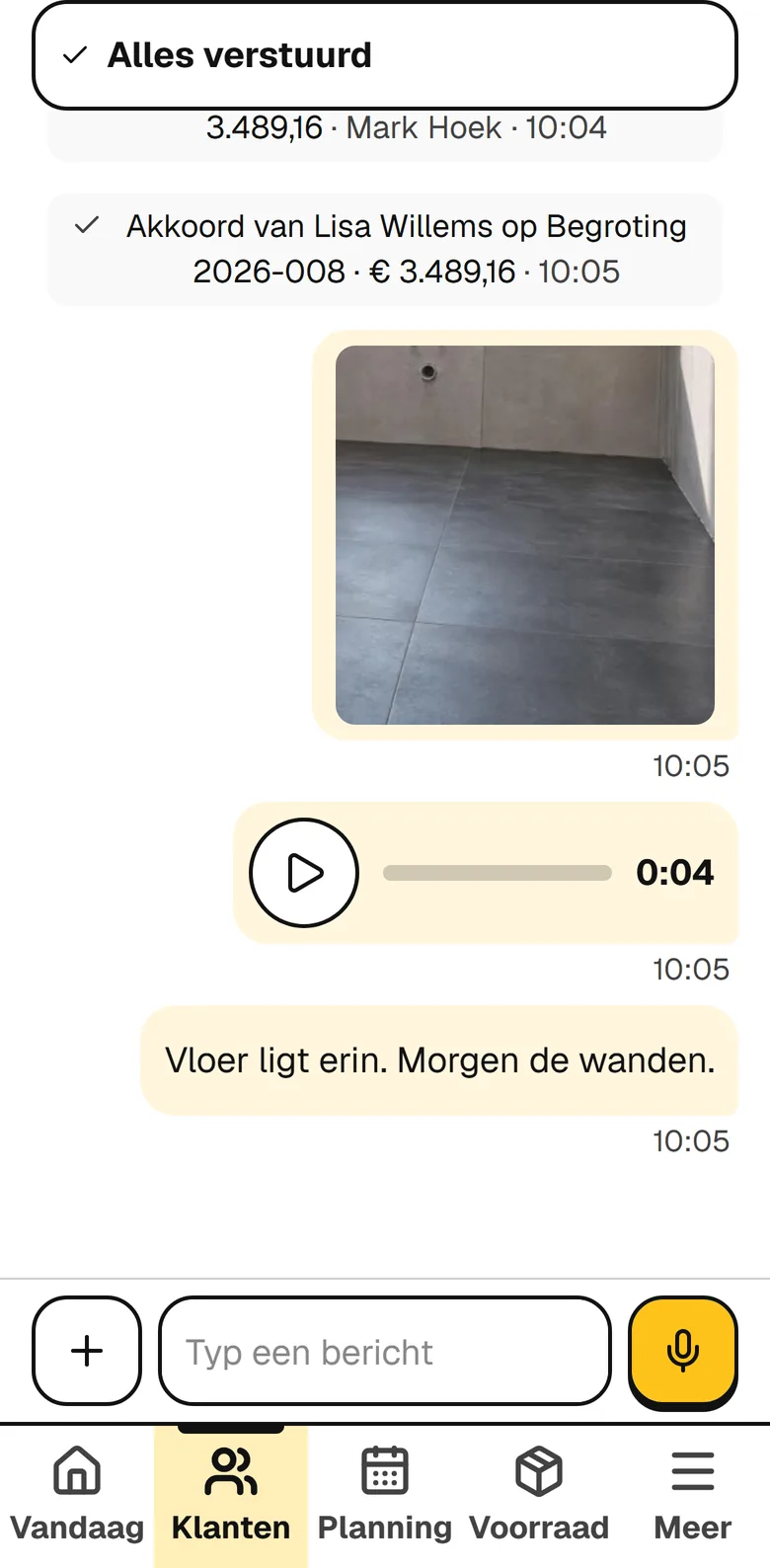
Photos, videos, documents and voice messages per job. No signal in the basement? Everything queues up and is sent as soon as there is coverage.
Partial and final invoices from the quote, gapless numbering, export for the bookkeeper. The customer pays by iDEAL through a link.
Photo of the receipt or PDF of the purchase invoice, Claude reads the lines and the VAT. The app double-checks and puts doubtful cases on the owner's Today screen.
// CHOICES
Buttons of at least 56 pixels, 18-pixel text, the main action always at the bottom within thumb reach. Confirmations slide up from the bottom, never in a browser pop-up.
Customers, jobs, the planning and the stock live on the device. A new customer, a photo or a draft quote goes into one queue and is sent when there is a connection. Only what really has to be right, like an agreement or an order, needs internet.
Two roles, and the separation lives in the code and in every query, deeper than the screen. An employee books material and receives deliveries, but sees no purchase or sales prices, hourly rates or quotes.
Every table belongs to a company. That made it possible to add self sign-up after the first weeks, with a trial period and a Stripe subscription, without rebuilding the core.
// UNDER THE HOOD
// HOW IT WENT
Goals, non-goals and what would make the app a failure, in one document the client approved.
Customers, jobs, quoting, stock, planning and team chat, with a queue for when there is no signal. Then the controls rebuilt for use on site.
Self sign-up, a trial period, subscriptions through Stripe and a page per trade for findability.
Invoicing with online payment, Moneybird and e-Boekhouden integration, AI receipt reading and a shareable portfolio.
Yes. Any tradesperson can sign up at bammes.app and try the app free for 30 days, with sample data to play with.
Within a week of the approved design the first version was up, offline mode included. In the weeks after came sign-up, subscriptions, invoices and the bookkeeping integration, each in short steps that went straight to production.
That is exactly how Bammes started: one company, one concrete problem, a working first version. Whether it is installers, a clinic or a workshop, the approach is the same.
Have something similar in mind? An app for your company, or a product you want to bring to market yourself? Book a call and we will work out what the first working piece could be.